
Homework
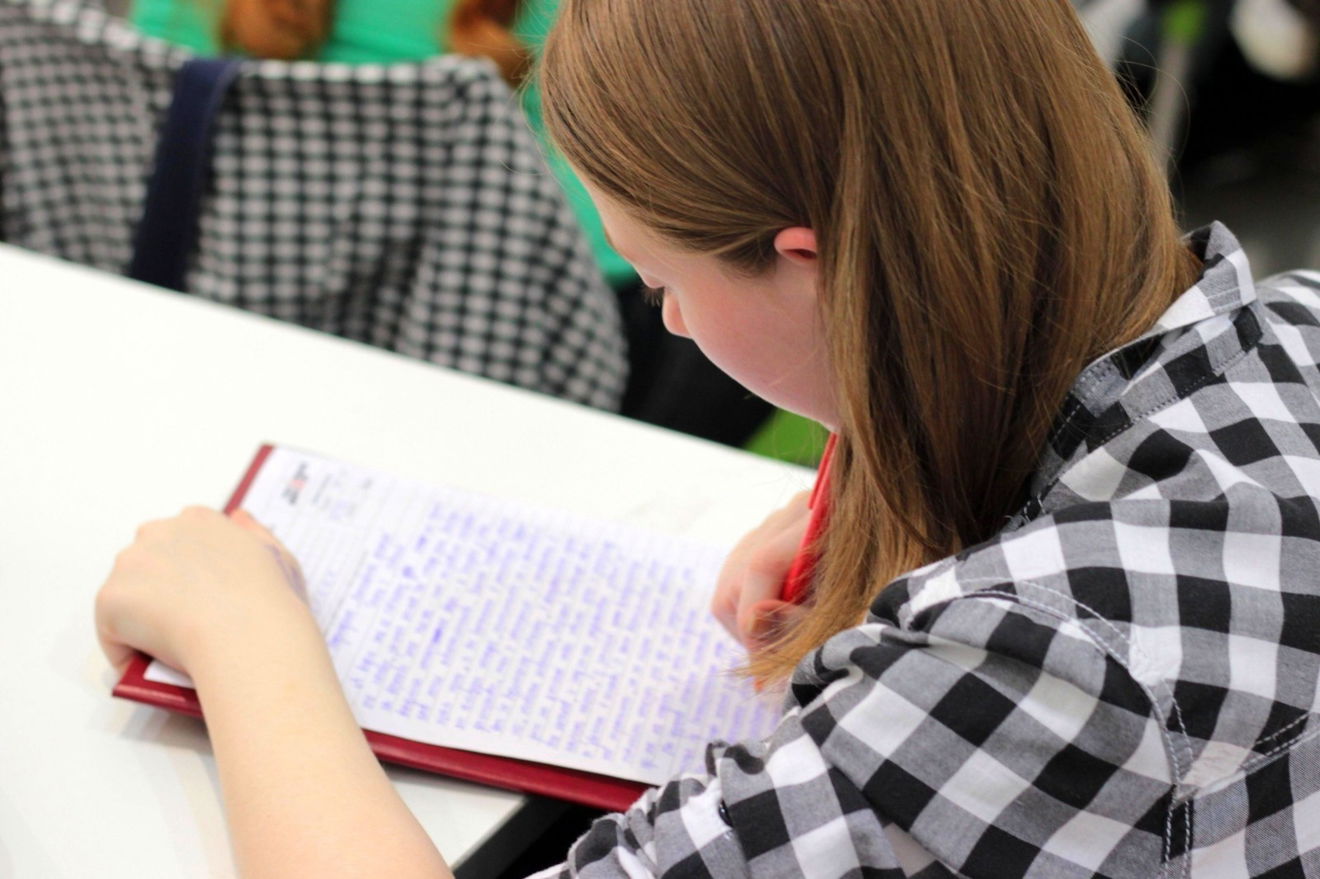
At CVEA, the evidence of best practice from the Education Endowment Foundation underpins our policy and practice. The EEF research shows that effective homework is impactful if:
- It is completed by the student to the best of their ability.
- Students develop a routine for completing homework.
- Teachers plan homework as an integral part of the students' current learning.
- It encourages personal and independent learning
Responsibilities of the students
- To listen to homework instructions in class and to access Arbor daily to view homework set.
- To ensure that homework is completed and handed in to meet the deadline.
- To attempt all homework and do their best.
- To inform the class teacher of any difficulties.
Arbor
Arbor is CVEA's online platform for students and parents/carers to find out what homework has been set and the deadlines set by teachers for completion of homework. All teachers create and publish their homework online. Parents and students can manage submission of homework. You can review submission times, see grades and communicate with teachers around specific assignments. If your child has forgotten their password, please follow the guidance on the 'How to Guide' to reset this
We are always here to support parents/carers in supporting their children to complete their homework set. Click below for a 'How to Guide' for accessing homework on Arbor:
Sparx maths
The mathematics department use Sparx maths to set and assess homework weekly. Sparx Maths Homework is an online learning platform that creates personalised maths homework for students aged 11-16. We believe that practice makes perfect, so each week, your child's teacher selects the topics that have been taught in class and we build a personalised set of questions to match your child's current level of understanding. Our aim is for all children to strive for 100% completion of their homework. By consistently using Sparx Maths, your child can build a solid foundation in maths and achieve their full potential.
More information for parents can be found here: Visit the Sparx Maths website

Sparx Science
The Science department use Sparx Science to set and assess homework weekly. Sparx Science Homework is an online learning platform that creates personalised science homework for students aged 11-16. It enables students to actively engage with support that addresses misconceptions and gaps in learning. Help is provided for every question to help unblock students when they get stuck and it also supports setting high expectations for students..

Sparx Reader
The English department use Sparx Reader to set and assess homework weekly. Sparx Reader Homework is an online learning platform that creates personalised English homework for students aged 11-16. Students complete regular quizzes as they read, encouraging them to read actively and carefully. Their ebooks include contextual definitions for every word, helping readers understand the text and build their vocabulary.
More support for logging in can be found here: How to Log Into Sparx
Educake
Geography department use Educake to set and assess homework weekly. All students have their own individual login which is used to access their homework. Educake provides online homework and revision. It's based on a bank of thousands of specification-mapped questions that teachers will match to the needs of their students.
More information for parents can be found here: https://www.educake.co.uk/launch/parents-and-carers/

Active Hub
Active Hub
The Spanish department use Active Hub to set and assess homework weekly. This provides engaging, relatable lenses through which to study languages, with regular cultural launch points and diverse, inclusive content that make language learning meaningful and relevant. It also aims to motivate students to learn and practice key content independently, with fresh, independent learning content that is ideal for on-the-go learning.

Where next?
You are currently viewing Homework. Choose another page in this section.
Core Values Homework Extra Curricular Activities Personal Development Ofsted Back to Education